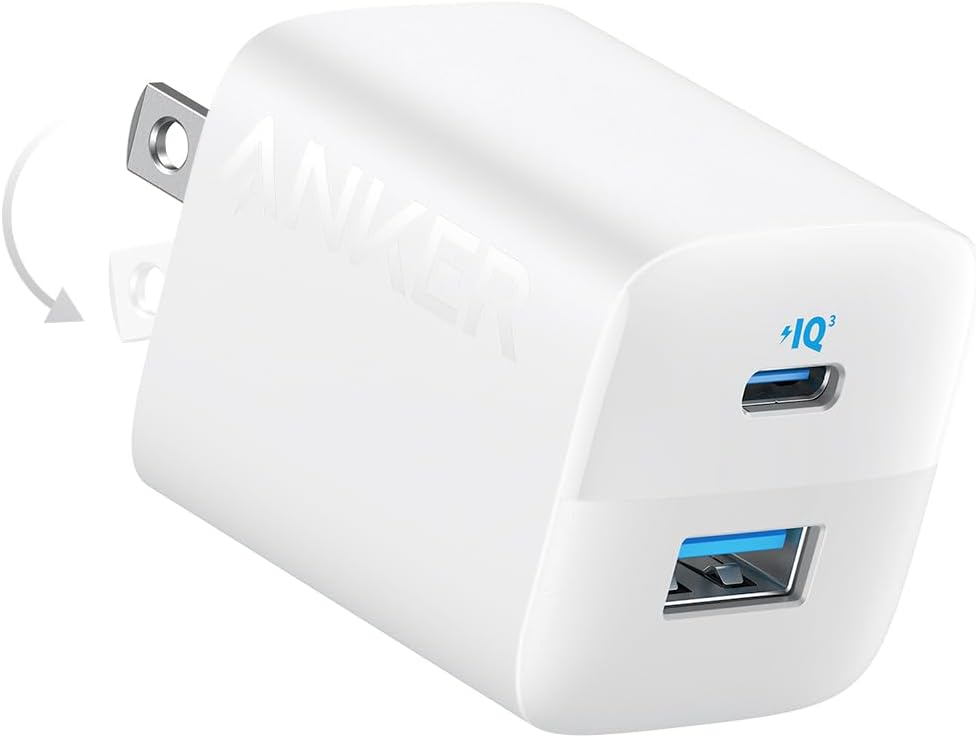
I bought one of these: https://www.amazon.com/AVerMedia-Capture-Streaming-Recording-Mac-GC553Pro/dp/B0F93KM854 and one of these: https://www.retrotink.com/shop/retrotink-5x-pro and one of these: https://www.amazon.com/dp/B082XTKN7L + all the cords, and I can now stream from my consoles. Don’t forget to buy one of these: https://www.amazon.com/dp/B0B2MM3252 for your RetroTINK, too; it needs it; do NOT compromise by plugging it into your laptop or desktop! The 5X Pro needs 2A of current!
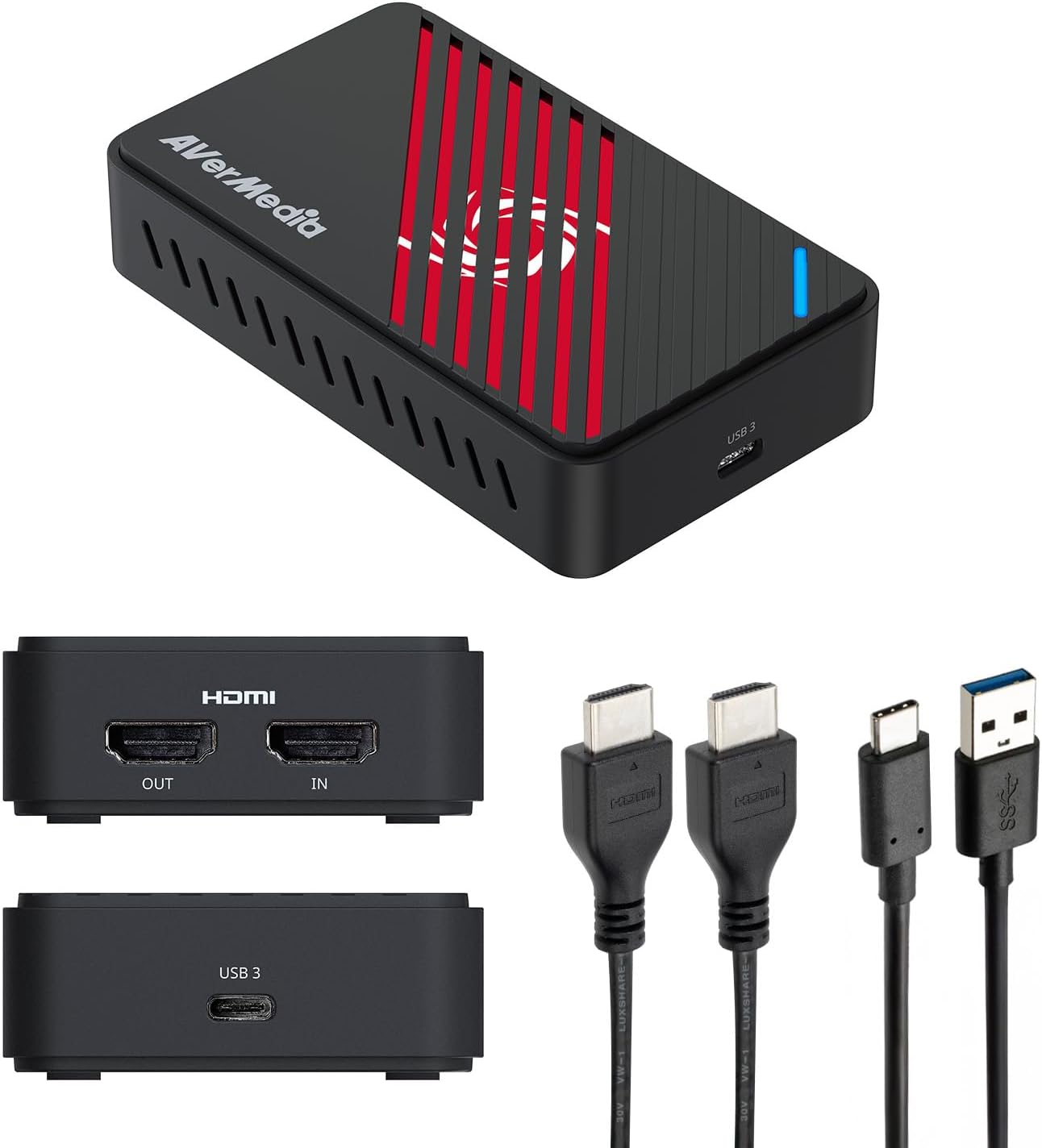
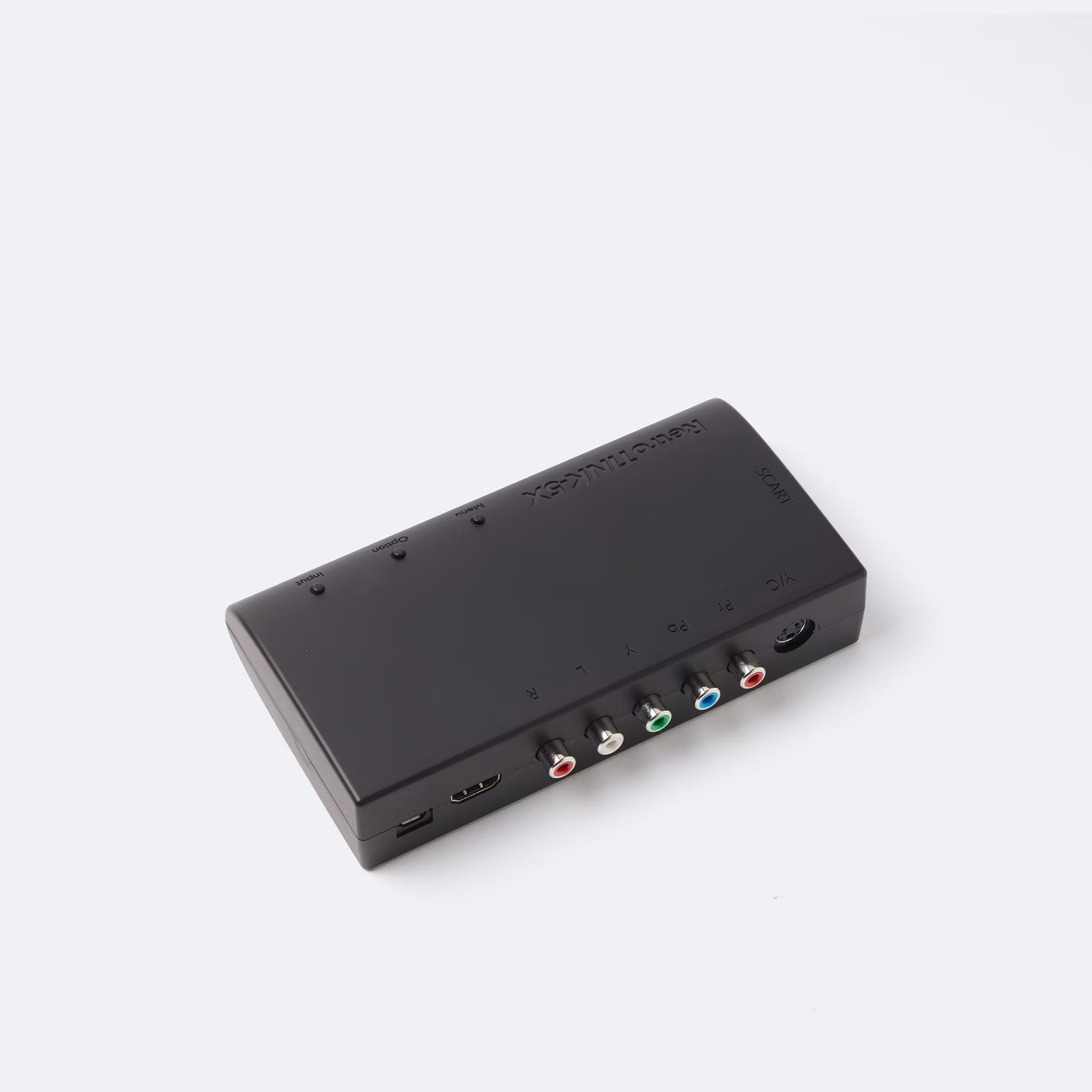
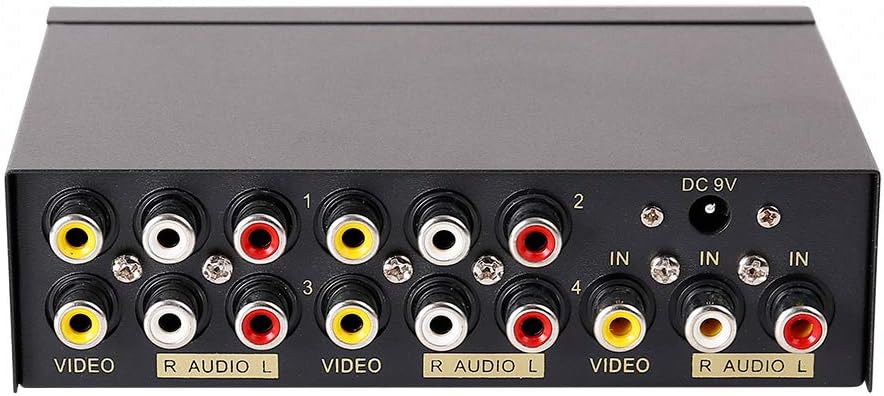
You’re going to need one HDMI cable (two, if you want something better than what comes with the AVerMedia module), a composite cable or component cable/extra HDMI cable, if you decided to buy a component AV splitter or HDMI splitter.
I use OBS. Now take note: You have to make a separate audio source capture for the AVerMedia capture card to have no AV sync issues. Remember that! Of course, when you plug in the USB to your laptop/desktop, a new volume bar will show up in OBS, but it’s wonky! You NEED to add a separate audio source. Select HDMI when it asks you from where to draw the input, and you’re golden!
I didn’t have any extraordinary troubles trying to get this setup working through Mint either! I just got OBS, plugged in the capture card, and just fiddled with the different video sources a little. It should be noted that OBS is a little buggy with this capture card, even on Windows. You can’t cycle through different scenes (not sources) with the same AVerMedia input for some reason. It’s really dumb! To fix it, it’s just a matter of unplugging and plugging it back in; then, play with the input source properties (which source it’s drawing from) a little. You’ll get it working! I promise!